

Create Shortcut
Android
1. Try to install the site by the link.
2. If doesn’t help, please tap the menu icon (3 dots in upper right-hand corner).
.png)
3. In opened menu scroll down, find the button Add to Home screen and tap.
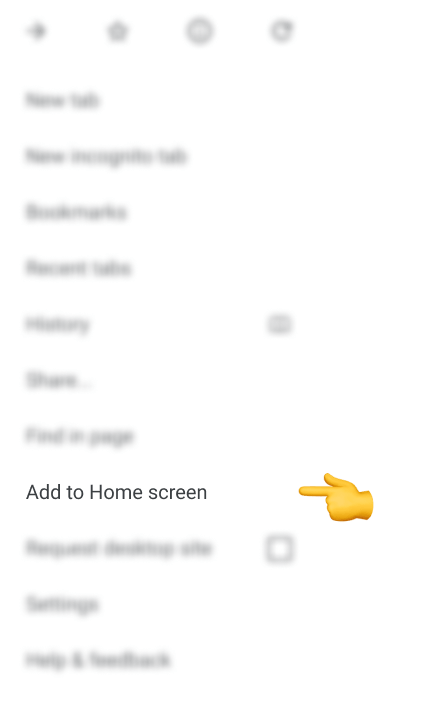
4. You’ll be able to enter a name for the shortcut and then the browser will add it to your home screen.
IOS
1. Tap the icon featuring a right-pointing arrow coming out of a box to open a drop-down menu.
.png)
2. In opened menu scroll down, find the button Add to Home Screen and tap.
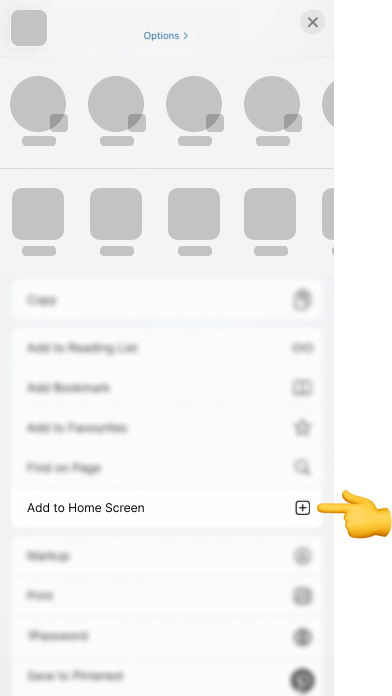
3. You’ll be able to enter a name for the shortcut and then the browser will add it to your home screen.